Share links
Send one item to someone without an account: a link that carries its own key, lasts up to 30 days, and can open only once.
Shared vaults
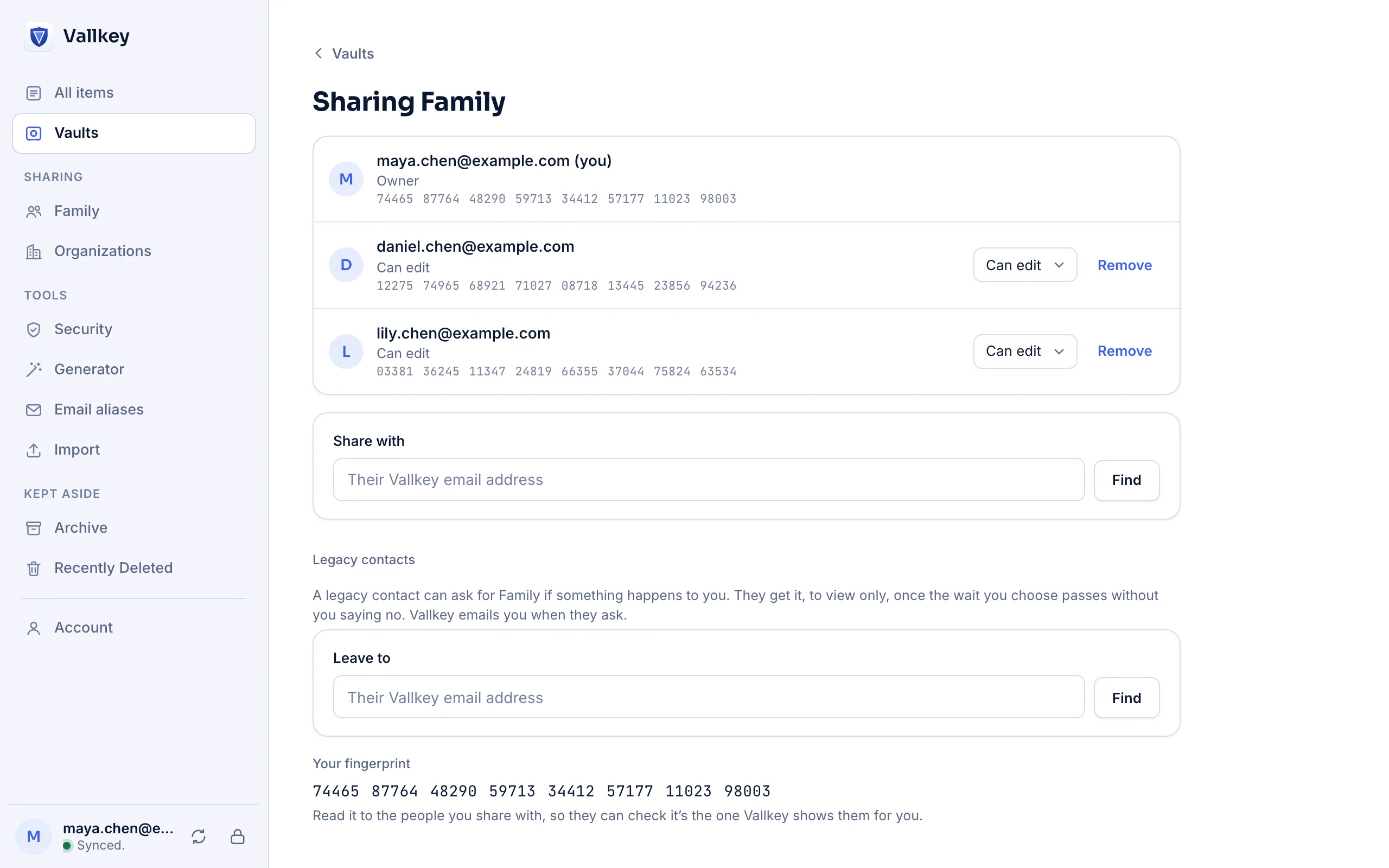
Share a vault to view or edit, see who has it, change their role, or take it back. Every member list is signed by the vault's owner.
How it works
Put in what you want to share: the Wi-Fi, streaming accounts, the utilities.
Enter their email address and compare a short fingerprint once, in person or by phone.
View only, or edit too. Remove anyone at any time; Vallkey rotates the vault's key.
The details
Send one item to someone without an account: a link that carries its own key, lasts up to 30 days, and can open only once.
Vault keys are sealed to each member with post-quantum encryption, so recordings made today stay private against tomorrow's quantum computers.
Availability
To join a shared vault, yes, and the Free plan is enough. For a single item, a share link needs no account.
Vallkey opens soon. Join the waitlist to hear first.