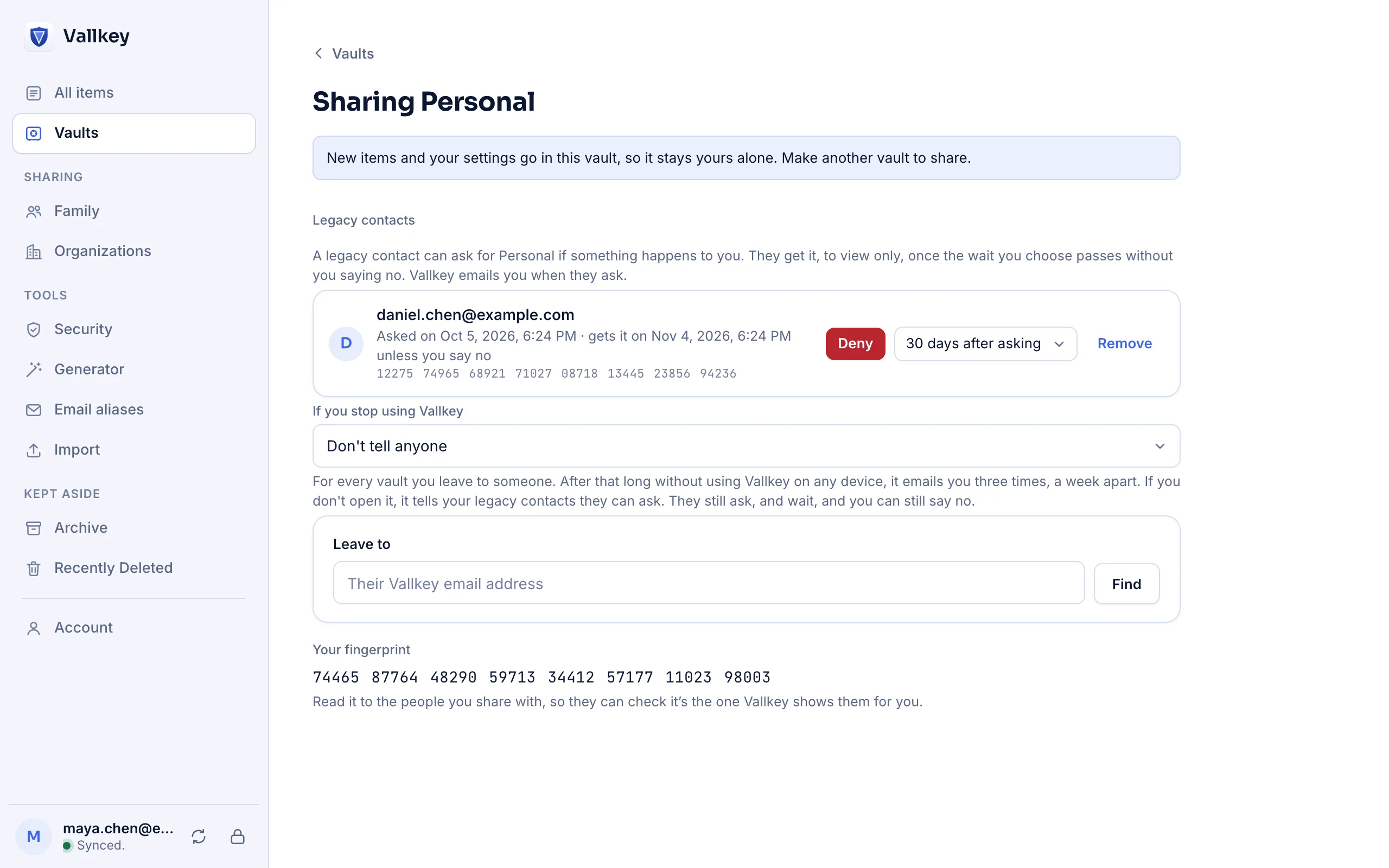
If you stop using Vallkey
After 3, 6 or 12 months without any of your devices checking in, Vallkey sends three check-ins a week apart, then tells your contacts they may ask. They still ask and wait.
Legacy contacts
Name the people who should inherit your vaults. If they ask, you have time to say no. If you can't answer, they get exactly what you chose, and nothing more.
How it works
Pick a contact, the vaults they'll get, and how long they must wait: 7 to 90 days.
If the time comes, your contact asks for access. You're told by email and in every app.
Deny the request any time during the wait. If you don't, they get view access to the vaults you chose.
The details
After 3, 6 or 12 months without any of your devices checking in, Vallkey sends three check-ins a week apart, then tells your contacts they may ask. They still ask and wait.
A special item for the people who get your vault: what to do with each account, and anything else they should know.
Your contact's key is checked against Vallkey's key transparency log, and you compare fingerprints once, so no one can slip in their own key.
Free includes one legacy contact. Premium and Families include more.
Availability
No. They can only ask, and you can deny every request. Access starts only after the waiting period passes without your answer.
A Vallkey account, which can be on the Free plan.
1Password relies on a printed Emergency Kit. Its users have asked for legacy contacts for years.
Vallkey opens soon. Join the waitlist to hear first.