Only for the site it was made for
Vallkey works out the website from the address the browser reports, never from the page, and signs nothing before you confirm.
Passkeys
Vallkey creates and keeps passkeys for the sites that offer them, and signs you in on every device, without the lock-in of a single platform.
How it works
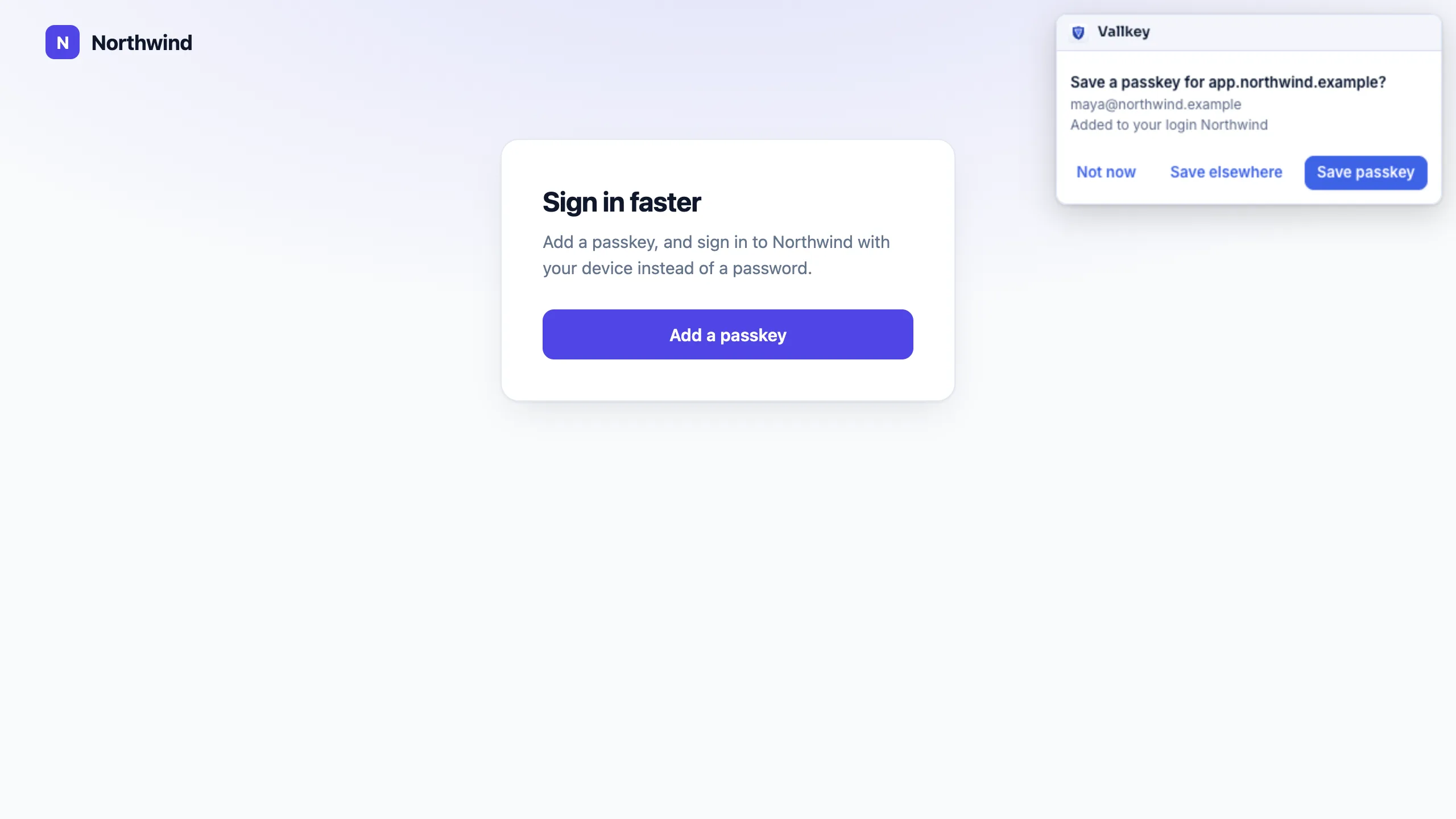
When a site offers a passkey, Vallkey asks where to keep it and saves it with your login.
The passkey's private key is encrypted like every other secret and reaches your other devices.
Next time, confirm in Vallkey's prompt: no password to type, nothing to phish.
The details
Vallkey works out the website from the address the browser reports, never from the page, and signs nothing before you confirm.
Passkeys move in and out with Credential Exchange files, with their private keys.
Vallkey answers WebAuthn's prf and largeBlob, so websites that unlock encrypted data with a passkey work too.
A setting in the browser extension says who answers websites' passkey requests: Vallkey, or the browser's own.
Vallkey makes the kind of passkey websites ask for nearly always: ECDSA on P-256.
Availability
In Chrome, Edge, Firefox and Safari on the Mac, yes, through the browser extension. In other Mac apps, passkeys come with AutoFill on the Mac.
Yes, from a Credential Exchange file, which Apple Passwords, 1Password and Bitwarden can export.
Vallkey opens soon. Join the waitlist to hear first.