Three roles
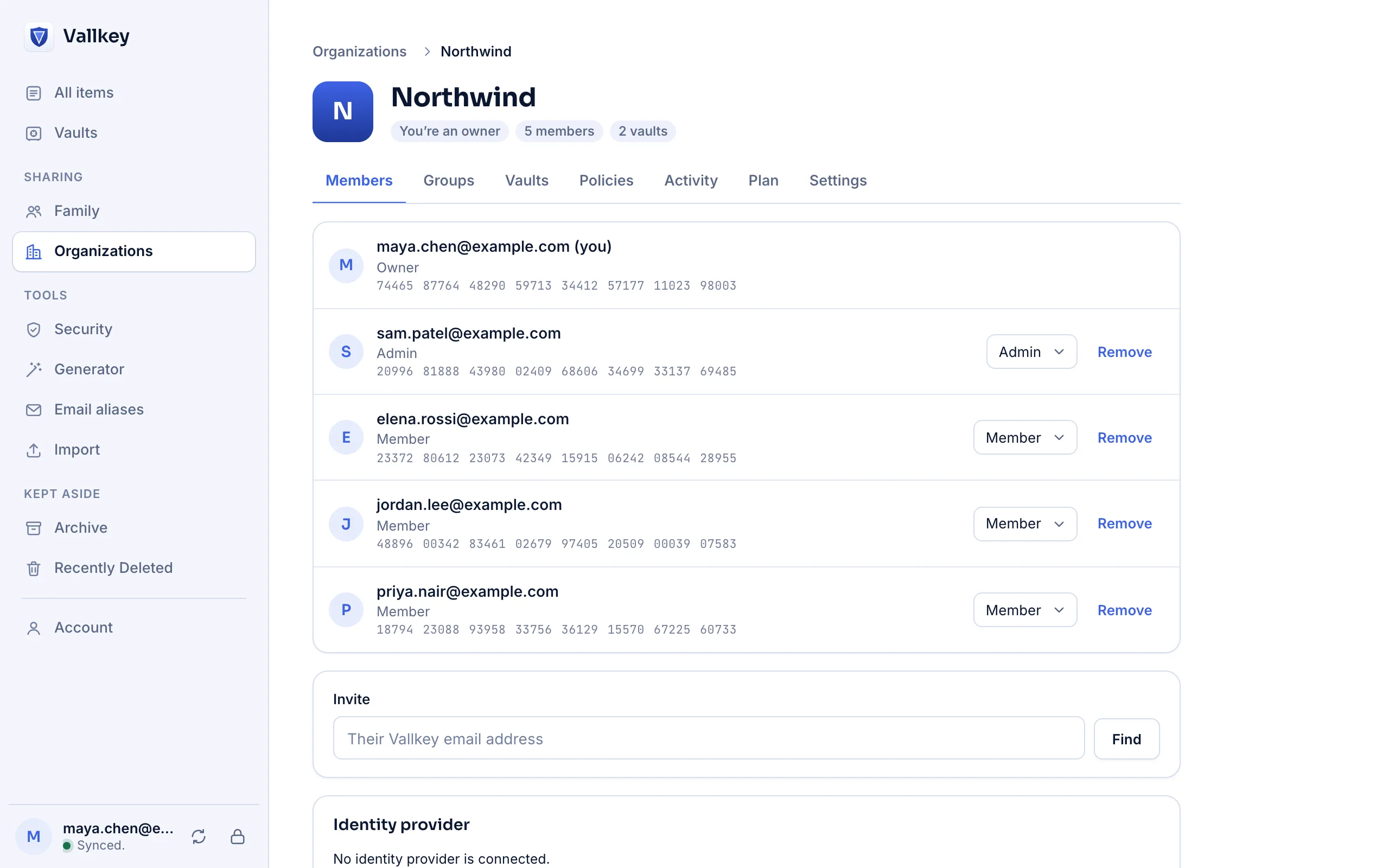
Owners do everything, and make or remove admins. Admins invite and remove people, make groups and vaults, grant access and set policies. Members use the vaults they're given.
Organizations and the admin console
An organization has keys of its own, held only by its admins' devices. Who's in it, in which group, with which vault and under which policies is signed with those keys, and every member's device checks the signature before it acts on anything.
How it works
In the web vault. You're its first owner, and it starts with 14 days of everything. Invite people by email address: each invitation shows the organization's fingerprint.
Give a vault to a group or a person, to edit, to view, or only to fill. People get their vaults as soon as an admin's device next syncs.
Policies for master password strength, locking, exports, single sign-on and Travel Mode. They're signed like everything else, so the server can't relax them.
The details
Owners do everything, and make or remove admins. Admins invite and remove people, make groups and vaults, grant access and set policies. Members use the vaults they're given.
Someone with fill-only access can sign in with a login and never see, copy or export its password. It's kept by the apps, not by the encryption: use it to keep secrets out of sight, not out of reach.
Each vault they had gets a new key, with every item encrypted again. Removing an admin also gives the organization itself a new root key.
An organization's vault names only the organization's own members, which both the apps and the server check. It can't be shared the way a person's vault can.
In 2026, researchers showed a malicious server changing who was in an organization at several password managers. Here the server stores and passes along a signed roster, and can't write one.
Admins can open every vault of the organization: that's what lets them grant access. Policies are kept by the apps, so they protect a company from mistakes, not from a member determined to get around their own app.
Availability
In the web vault's console. The phone, Mac and desktop apps and the browser extension show an organization's vaults and keep its policies.
Nothing is taken away. Everyone keeps the vaults they have, and the organization can't invite people or make vaults until an owner buys a plan.
The last owner can't leave or be removed, and neither single sign-on nor your identity provider can take an owner away.
Free forever for unlimited passwords and devices. No card needed.