Documents are items too
A Document is an item whose file is its first attachment, as in 1Password, so imported documents land where you expect.
Files with items
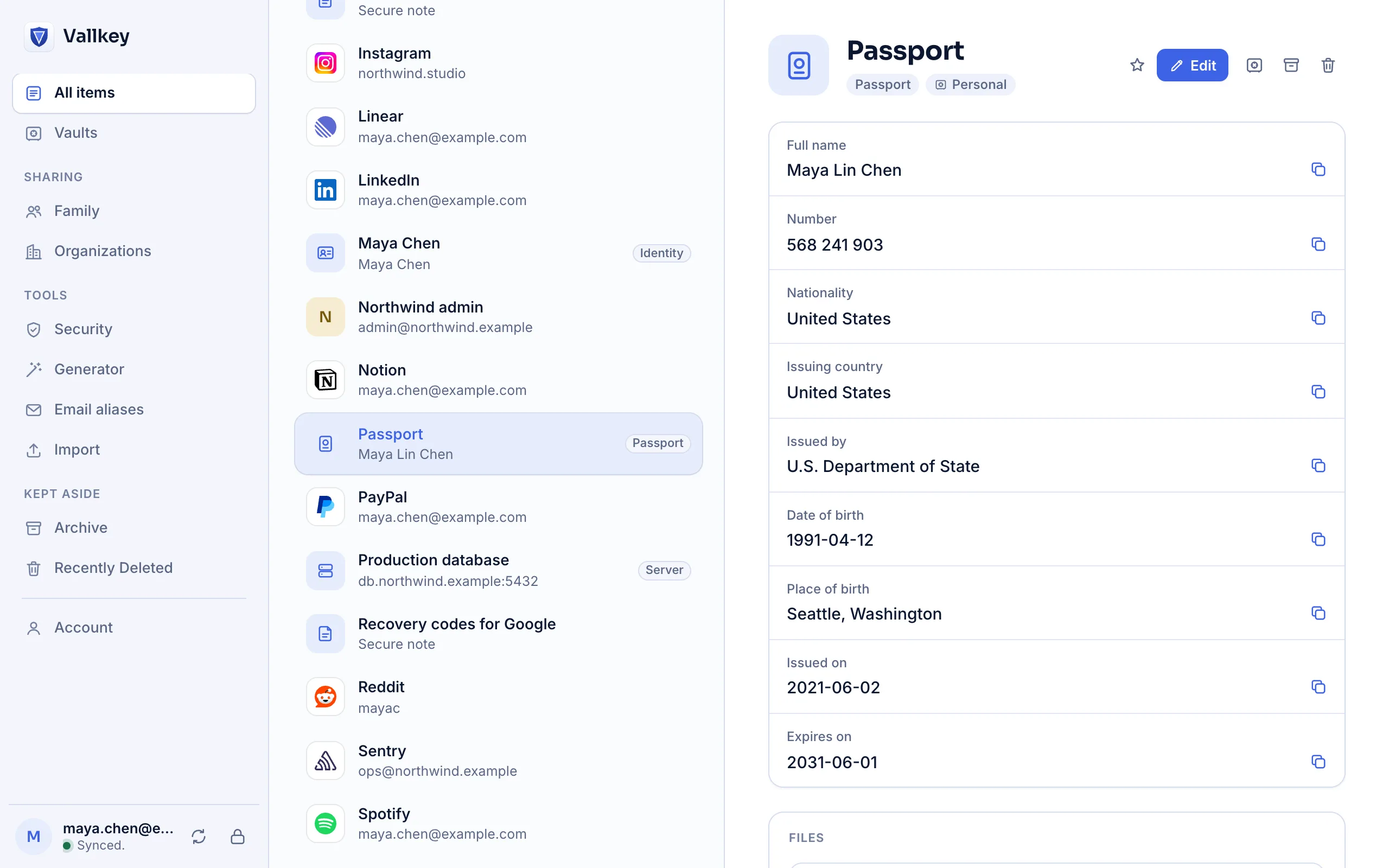
Attach files to any item: a passport scan, a recovery sheet, a contract. Each file is encrypted on your device before it's uploaded, and only people who can read the item can open it.
How it works
On any item, pick a file of up to 100 MB from your device, or a photo on a phone.
Vallkey encrypts the file in chunks with a key of its own, uploads it, then lists it on the item.
Download it on any of your devices, or preview it on iPhone, iPad and Android.
The details
A Document is an item whose file is its first attachment, as in 1Password, so imported documents land where you expect.
Moving an item to another vault takes its files along, and deleting the item for good deletes them from the server.
Importing from 1Password or KeePass brings documents and attached files over.
A file is at most 100 MB, and the vaults you own hold up to 1 GB of files. Adding and opening files needs a connection. Only the Vallkey with files export includes them.
Availability
No. The server sees roughly how large a file is and which vault it's in: never what's in it, what it's called, or which item holds it.
Premium, Families and Business.
Vallkey opens soon. Join the waitlist to hear first.